Turn changing processes into guidance people can actually follow.
HowMaker keeps every step editable, visual and reusable. Build once, update what changed and give viewers the right format, language and access level.
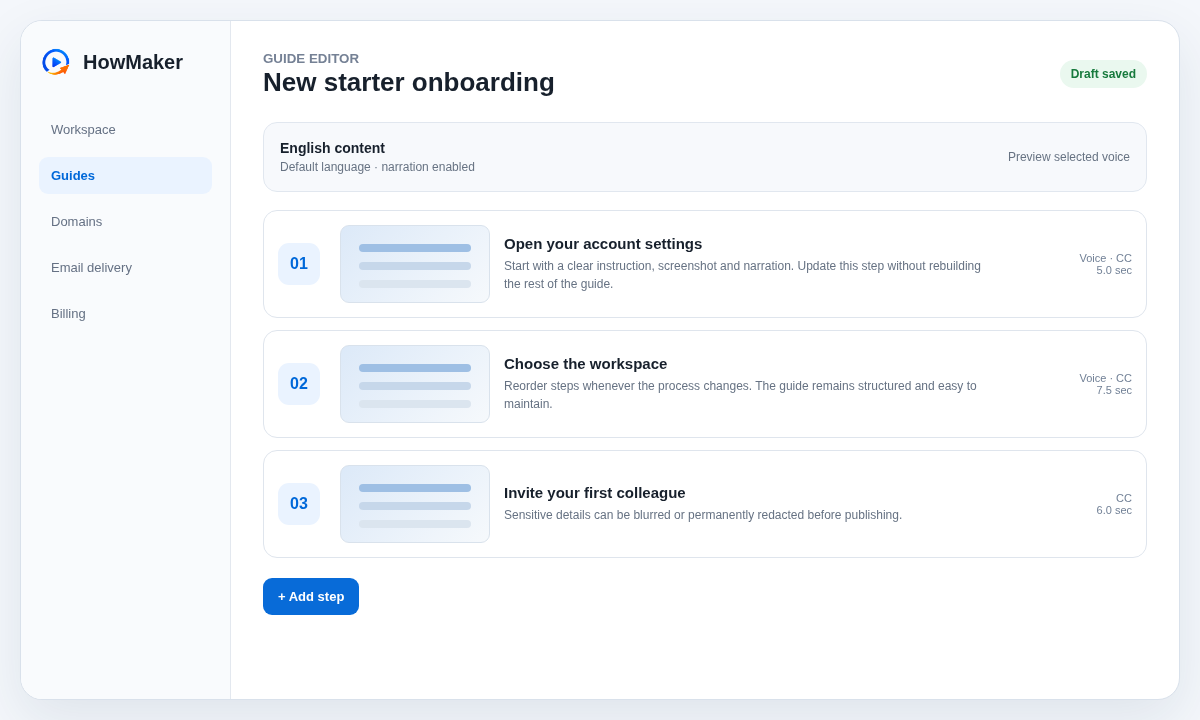
Build the process step by step
Add screenshots, instructions, narration and captions to individual steps. Reorder the sequence without rerecording everything, and edit only the part of a guide that changed.
- Focused step editor with autosave and manual save feedback
- Screenshot privacy tools for blur and permanent redaction
- Version history designed for practical updates
Narration that fits the guide
Use the included device voice, supported neural voices, uploaded audio or browser recording where your plan allows it. A simple | marker adds a natural pause.
Languages without rebuilding
Keep one source guide and manage translated text, captions and narration per language. Viewers choose from the languages you enable.
Access that matches the content
Publish publicly or unlisted, and use email or passcode gates on supported plans. Preview follows the same access path your audience uses.
Your domain, your audience
Supported plans can publish on a verified custom hostname. HowMaker monitors DNS and HTTPS readiness while keeping customer setup clear.
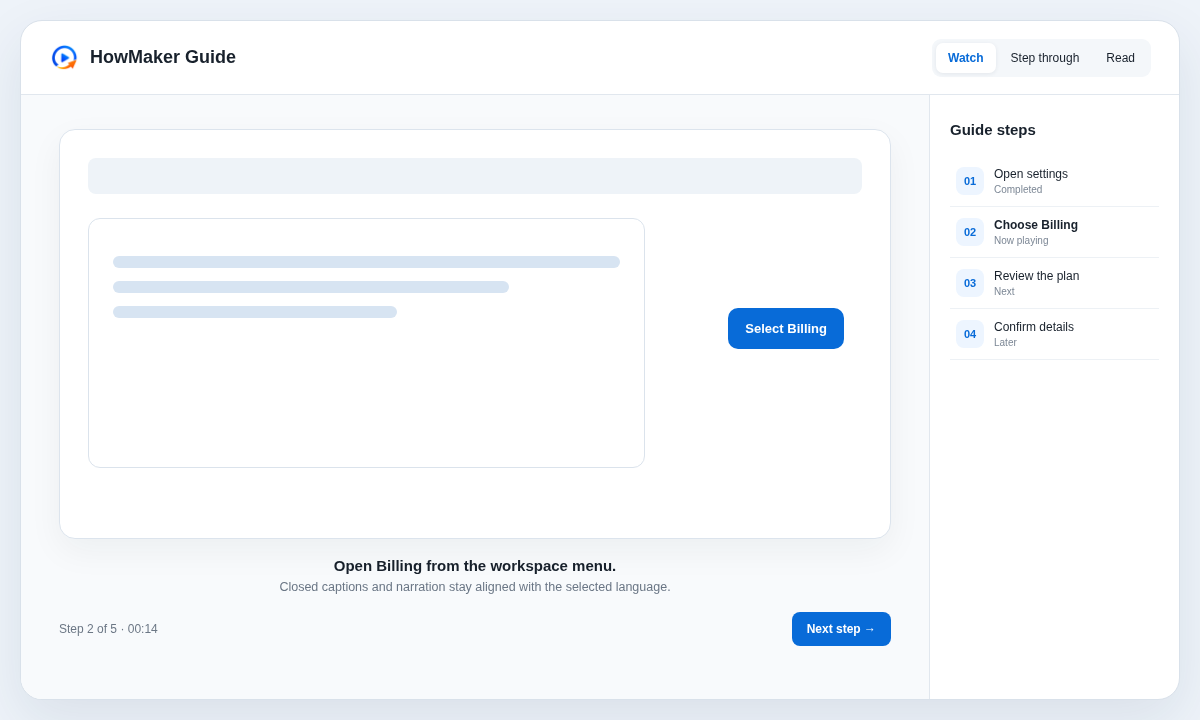
One source, several useful ways to learn
Watch can play the guide with narration. Step through keeps the viewer focused on one action at a time. Read presents the process as a continuous article where supported.
Closed captions, language selection and accessible structure help the same guide serve more people without duplicating the process.
Keep knowledge current instead of recording it again.
When a menu moves or a screen changes, update the affected step and publish a new guide version. The public URL can stay the same.